Control Parameter
2. Entering parameter values in real time on the GUI
First, run the navigation, then run a new terminal and enter the command below.
$ rosrun rqt_reconfigure rqt_reconfigure
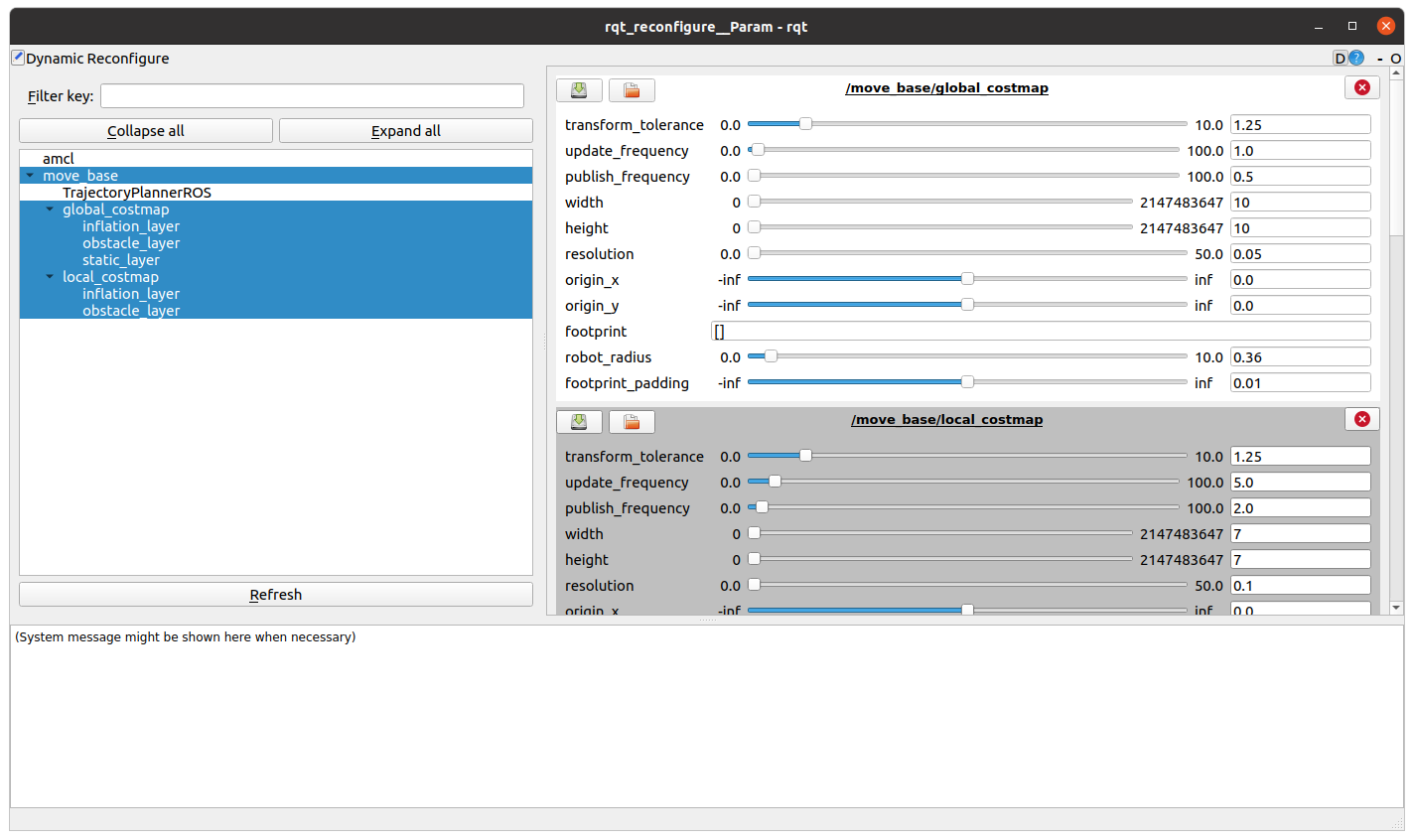
When the corresponding screen is executed, judge the performance of the navigation in real time by adjusting the values suitable for each parameter.
Precautions) If you adjust many parameter values at once, navigation may stop. Therefore, change the value little by little, paying attention to the phenomena appearing on RVIZ.