Detecting Oranges - googlenet
1-1. Detect oranges in images - googlenet.ipynb
- Running the cell codeCtrl + Enter
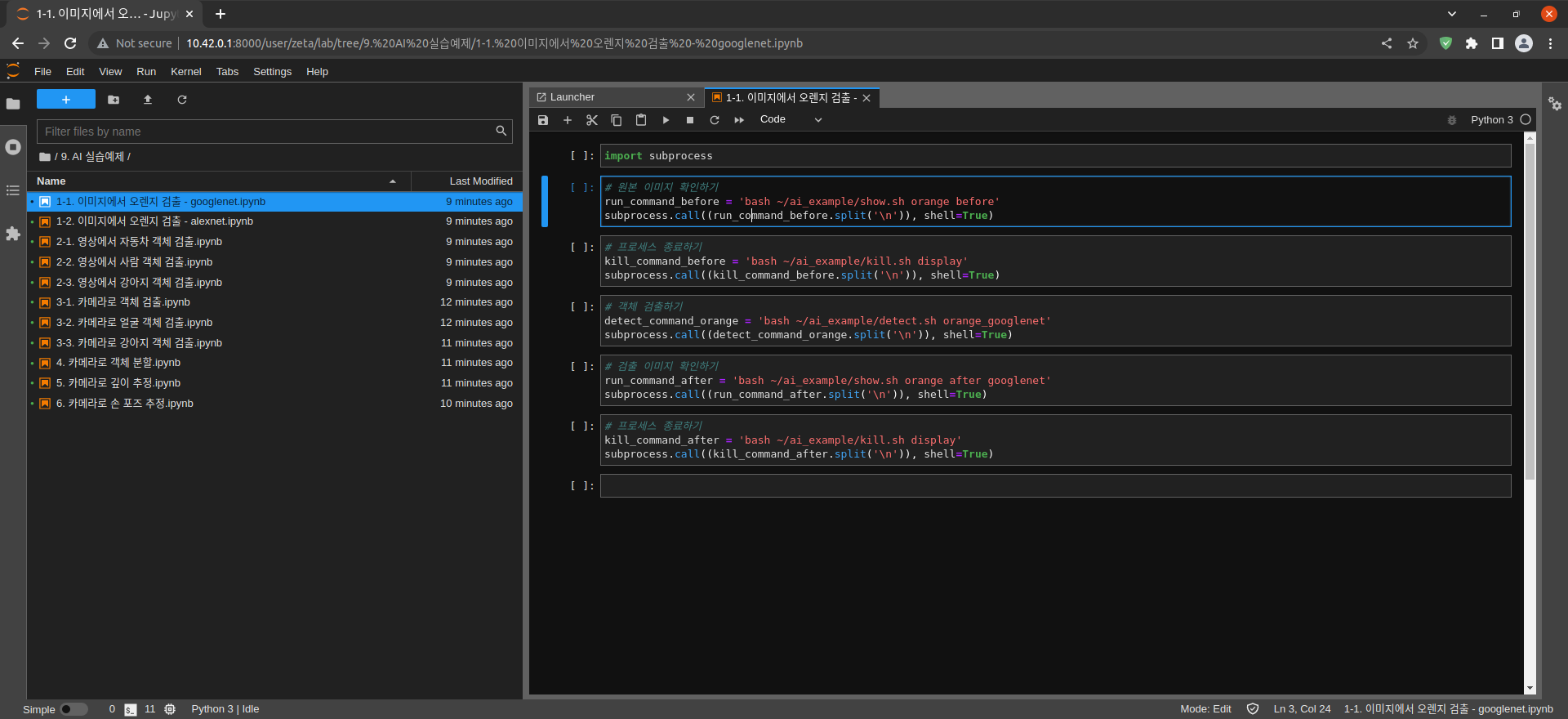
import subprocess
Import the subprocess module
# Check the original image
run_command_before = 'bash ~/ai_example/show.sh orange before'
subprocess.call((run_command_before.split('\n')), shell=True)
Check the original image
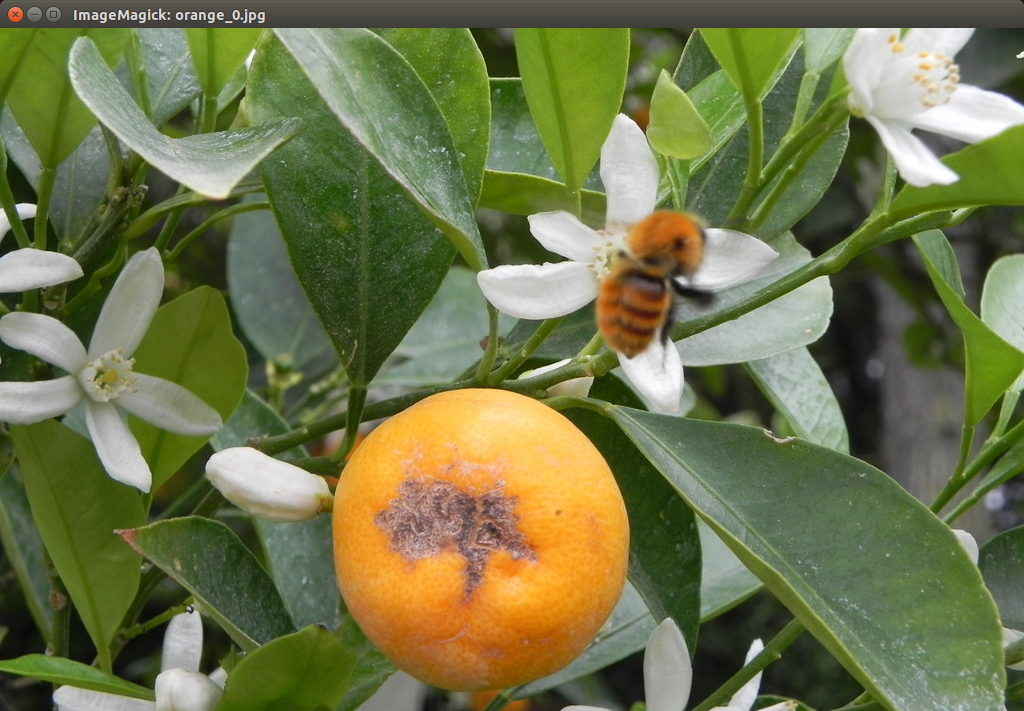
Executed on Jetson Nano
# terminating the process
kill_command_before = 'bash ~/ai_example/kill.sh display'
subprocess.call((kill_command_before.split('\n')), shell=True)
Terminating the process
# Detect objects
detect_command_orange = 'bash ~/ai_example/detect.sh orange_googlenet'
subprocess.call((detect_command_orange.split('\n')), shell=True)
Detecting objects
# Check the detected image
run_command_after = 'bash ~/ai_example/show.sh orange after googlenet'
subprocess.call((run_command_after.split('\n')), shell=True)
Check the detected image
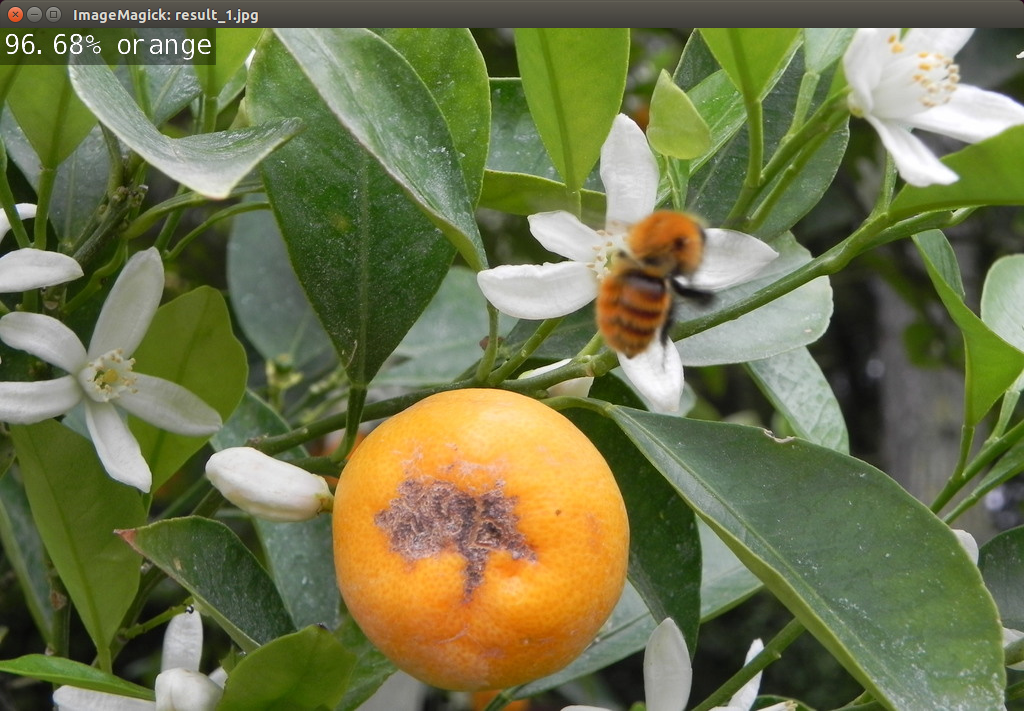
Executed on Jetson Nano
# terminating the process
kill_command_after = 'bash ~/ai_example/kill.sh display'
subprocess.call((kill_command_after.split('\n')), shell=True)
Terminating the process