Blue Color Detection
01_color_blue.ipynb
- Running the cell codeCtrl + Enter
import rospy
from sensor_msgs.msg import Image
from cv_bridge import CvBridge, CvBridgeError
import numpy as np
import cv2
import ipywidgets.widgets as widgets
Import python modules
def get_color(img):
    H = []
    color_name={}

    img = cv2.resize(img, (640, 480), )

    HSV = cv2.cvtColor(img, cv2.COLOR_RGB2HSV)

    cv2.rectangle(img, (280, 180), (360, 260), (0, 255, 0), 2)

    # Add the H, S, V values of each matrix to the list in order
    for i in range(280, 360):
        for j in range(180, 260): H.append(HSV[j, i][0])
    #Calculate the maximum and minimum of H, S, and V respectively
    H_min = min(H);H_max = max(H)
    #Judging the color
    if H_min >= 0 and H_max <= 20 or H_min >= 156 and H_max <= 180:
        color_name['name'] = 'blue'

    else:
        color_name['name'] = 'none'
    return img, color_name
Create get_color(img) function
Create list H, dictionary color_name
Resize image to 640x480
Convert image color space from RGB to HSV
Create a green (0, 255, 0) rectangle with a thickness of 2 at the starting point (280, 180) and ending point (60, 260)
Add hsv value to list H in the range of green rectangle (for i ~, for j ~)
Specify the smallest list H value for H_min and the largest list H value for H_max
If the value of h is 0 to 20 or 156 to 180
set color_name[‘name’] to ‘blue’
Other cases
Set color_name[‘name’] to ‘none’
return img, color_name
def rgb8_to_jpeg(value, quality=75):
    return bytes(cv2.imencode('.jpg',value)[1].tostring())
Create rgb8_to_jpeg(value, quality=75) function
After encoding the cv2 image into jpg format, return it as byte format
origin_widget = widgets.Image(format='jpeg', width=320, height=240)
result_widget = widgets.Image(format='jpeg',width=320, height=240)


image_container = widgets.HBox([origin_widget, result_widget])
display(image_container)
Creating and outputting widgets to compare video images
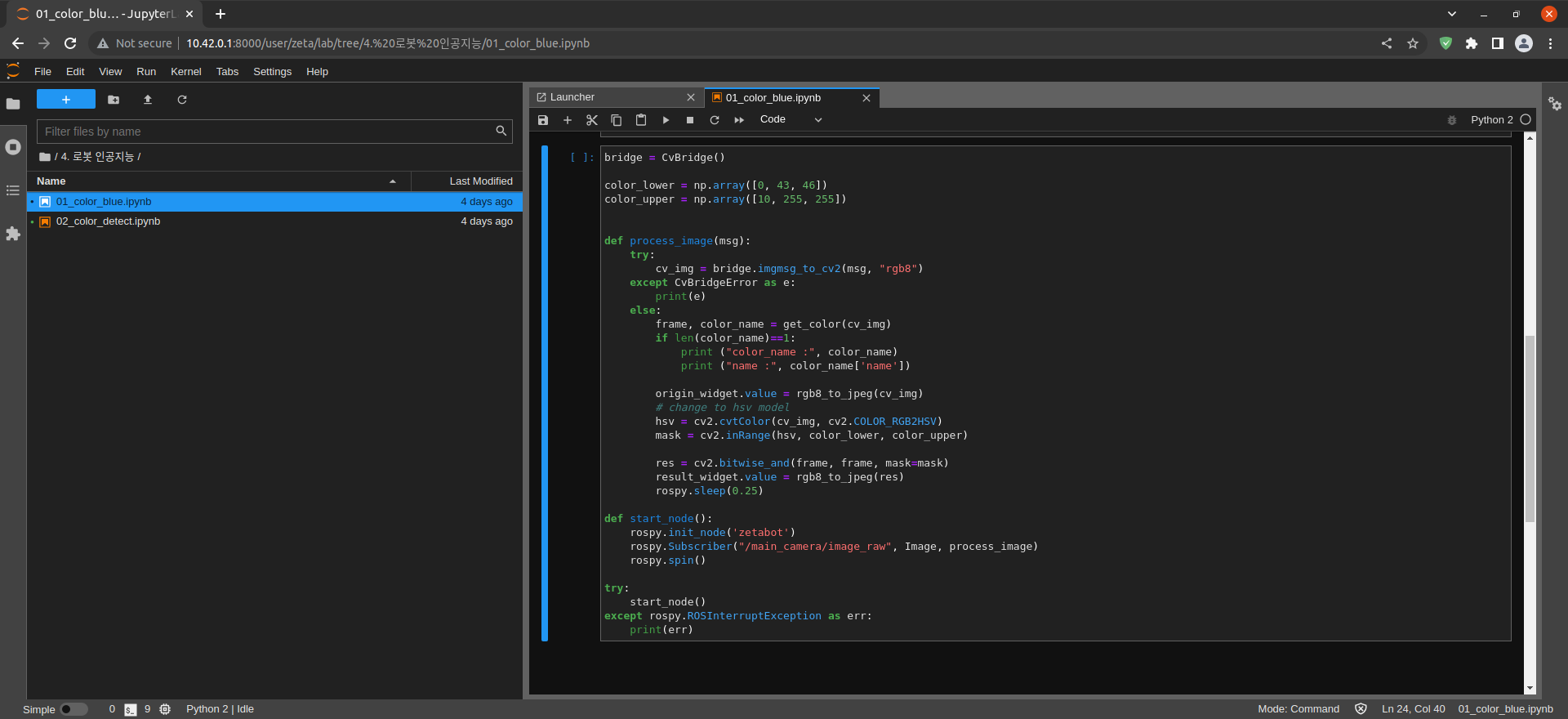
bridge = CvBridge()

color_lower = np.array([0, 43, 46])
color_upper = np.array([10, 255, 255])


def process_image(msg):
    try:
        cv_img = bridge.imgmsg_to_cv2(msg, "bgr8")
    except CvBridgeError as e:
        print(e)
    else:
        frame, color_name = get_color(cv_img)
        if len(color_name)==1:
            print ("color_name :", color_name)
            print ("name :", color_name['name'])

        origin_widget.value = rgb8_to_jpeg(cv_img)
        # change to hsv model
        hsv = cv2.cvtColor(cv_img, cv2.COLOR_RGB2HSV)
        mask = cv2.inRange(hsv, color_lower, color_upper)

        res = cv2.bitwise_and(frame, frame, mask=mask)
        result_widget.value = rgb8_to_jpeg(res)
        rospy.sleep(0.25)

def start_node():
    rospy.init_node('zetabot')
    rospy.Subscriber("/main_camera/raw", Image, process_image)
    rospy.spin()

try:
    start_node()
except rospy.ROSInterruptException as err:
    print(err)
Create ROS cv_bridge
Create and assign color_lower and color_upper
Create process_image(msg) function and handle exception
Convert ROS Image Message Type to bgr8 format
Output color name after executing get_color() function
Put the original image and get_color() processed image in the widget
Create start_node() function
Create zetabot Node
Subscribe to main_camera/raw topic and pass it to process_image() Callback function
start_node() function execution and exception handling